2. Setting Up Your Homepage
Start from the home page that comes with the theme, swap in your own pictures and choose a hero.
The home page starts with a hero picture, a grid of products, collection tiles and a few picture-and-text sections. Open Home page in the page picker at the top of the editor to see it.
Make it yours
- Swap the pictures for your own.
- Press Add section to see everything you can add, grouped by kind (Hero, Gallery, Products and so on).
- Drag sections to reorder them, and hide the ones you don't want.
- Check it on a phone with the phone button at the top of the editor.
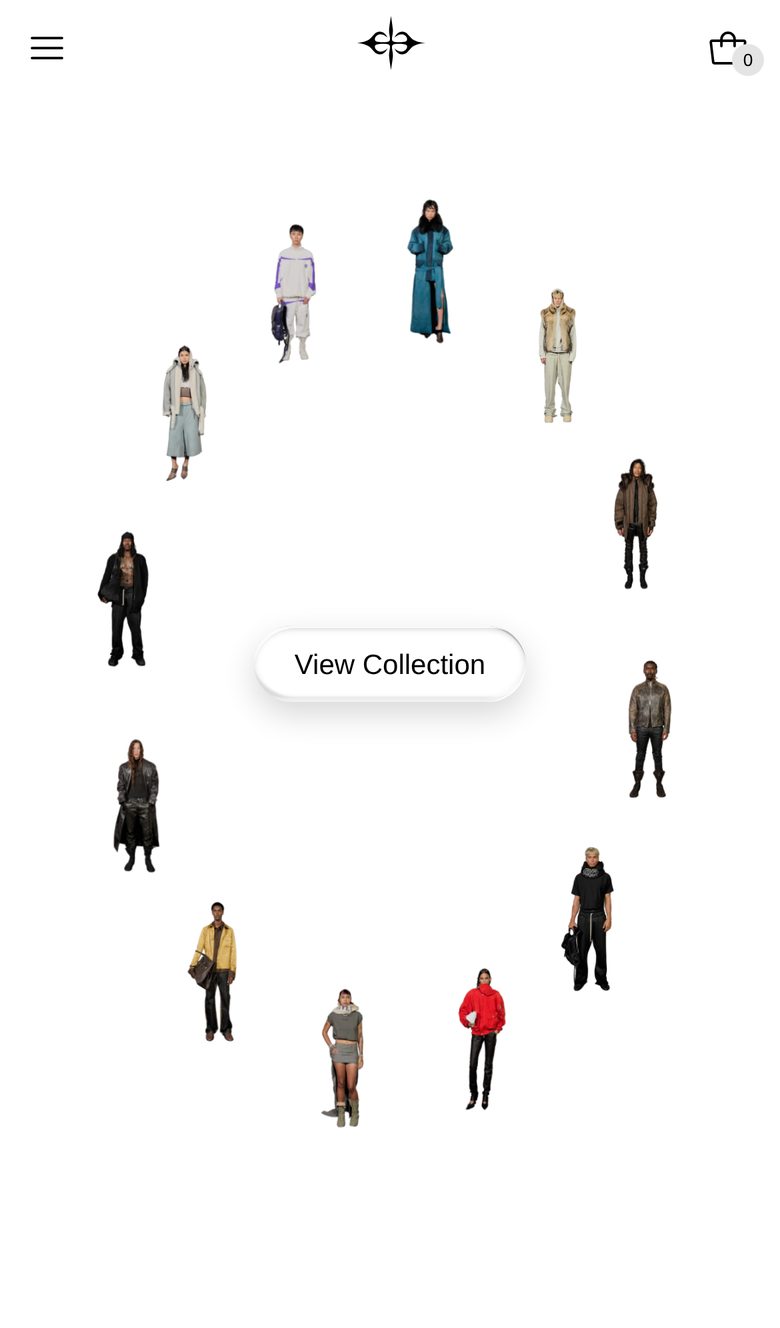
Choose a hero
Plain Jane Interactive has seven heroes. To change yours, add the new one first, then remove the old one.
Other sections to start with: Products: Grid and Email signup. See Shared settings for the settings every section has.