Image with text: Stacked
A wide photo, then a heading on the left beside a paragraph and a link.
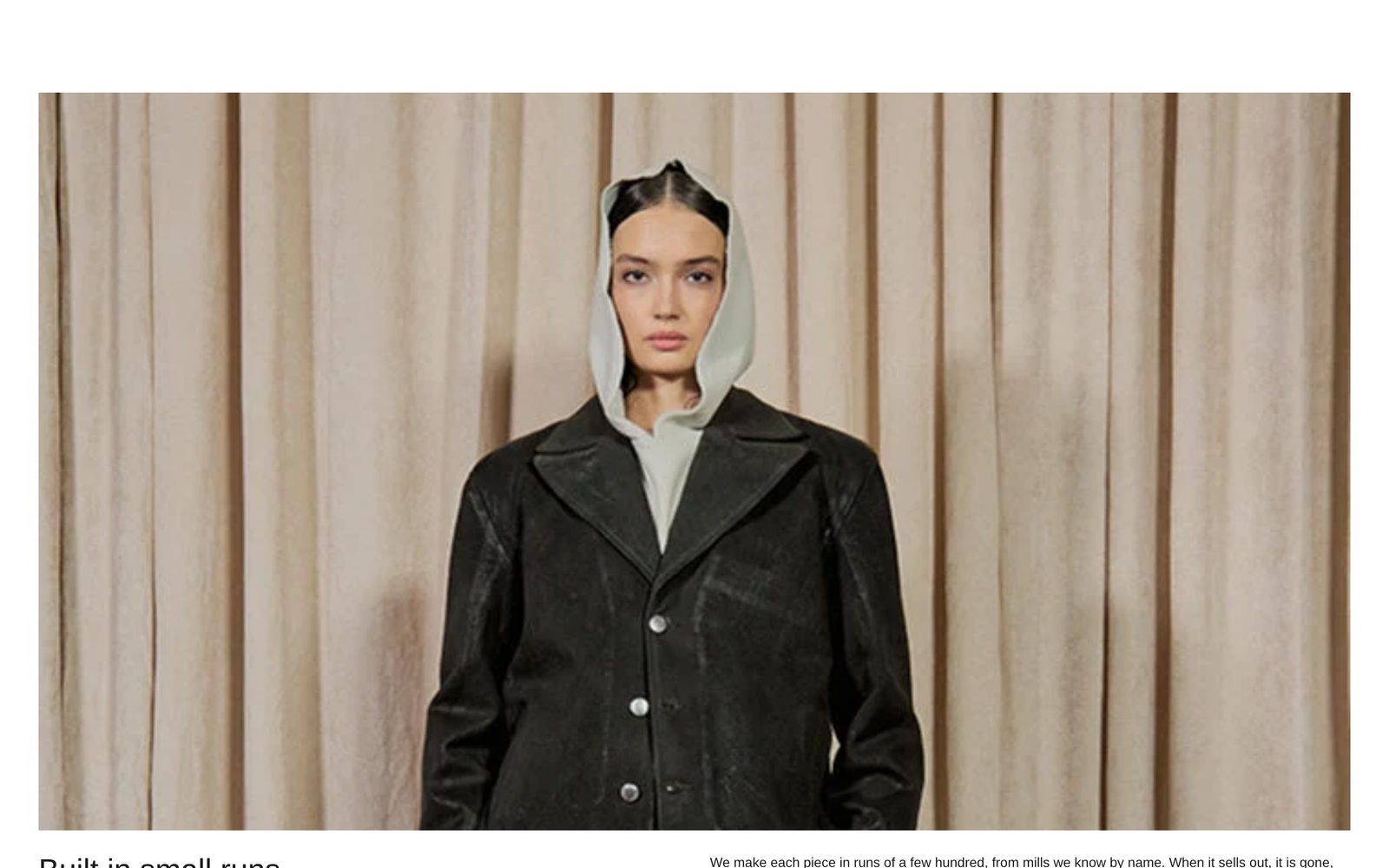
A wide landscape photo across the page, and under it a heading on the left with a paragraph and a link on the right. Use it to tell a short story under one strong picture: how you make things, where they come from.
Add it
It can go on any page. In "Add section", find Image with text: Stacked under Images. It is a ready-made Section, so it has all of that section's settings.
The blocks it starts with
- Image at Width Full width and Shape Landscape.
- Group, a row (Direction Horizontal, Space between blocks Large, Position Top), holding two groups, each half the width (Width on desktop Custom, 50%):
- Group with Text in Style Heading 2: "Built in small runs".
- Group with Text in Style Body (the paragraph) and a Button in Style Link: "Our story", leading to all your products.
Choose your photo, write your heading and paragraph, and point the Button at your own page in its Link.
As first added
- Direction: Vertical. Gap: Large.
- Space above and Space below: Large.
On phones
The photo comes first, then the heading, then the paragraph and link, each the full width of the screen.
Tips
- The photo is cropped to a wide landscape shape. Set a focal point on it in Shopify to choose what stays in view.
- To put the words above the photo, move the Image below the Group.
- To remove the link, hide or remove the Button.
Settings
All settings are the general section's: see Section.