Images: Row of three
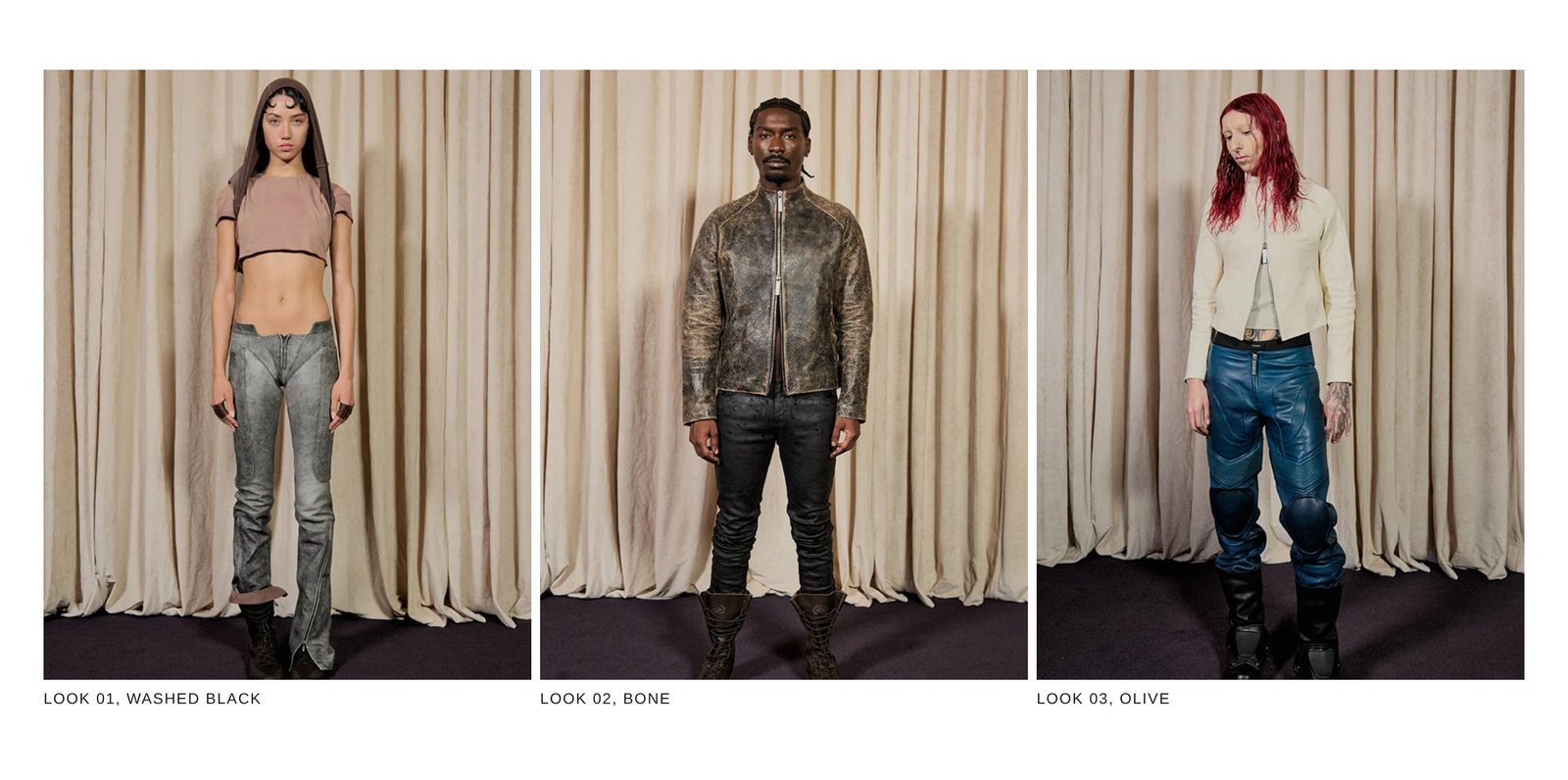
Three tall photos in a row, each with a short caption under it.
Three portrait photos in a row inside the page margin, each with a caption in capitals under it. Use it for three looks, three colors of one piece, or three products you want to point at.
Add it
It can go on any page. In "Add section", find Images: Row of three under Images. It is a ready-made Section, so it has all of that section's settings.
The blocks it starts with
Three Image with caption groups, each holding:
- Image at Width Full width and Shape Portrait.
- Text, the caption, in Style Uppercase: "Look 01, washed black", "Look 02, bone" and "Look 03, olive".
Choose a photo in each Image block and write your own captions. To remove a caption, hide or remove its Text block.
As first added
- Width: Full width. Direction: Horizontal, with Stack on mobile on.
- Gap: Small. Space above and Space below: Medium.
On phones
The three stack, one under another, each photo the full width of the screen inside the page margin.
Tips
- Duplicate an Image with caption group for four in a row, or remove one for two.
- To make one photo link to a product, add the link in its Image block's Link.
- Keep the captions about the same length so the row ends evenly.
Settings
All settings are the general section's: see Section.