Images: Side by side
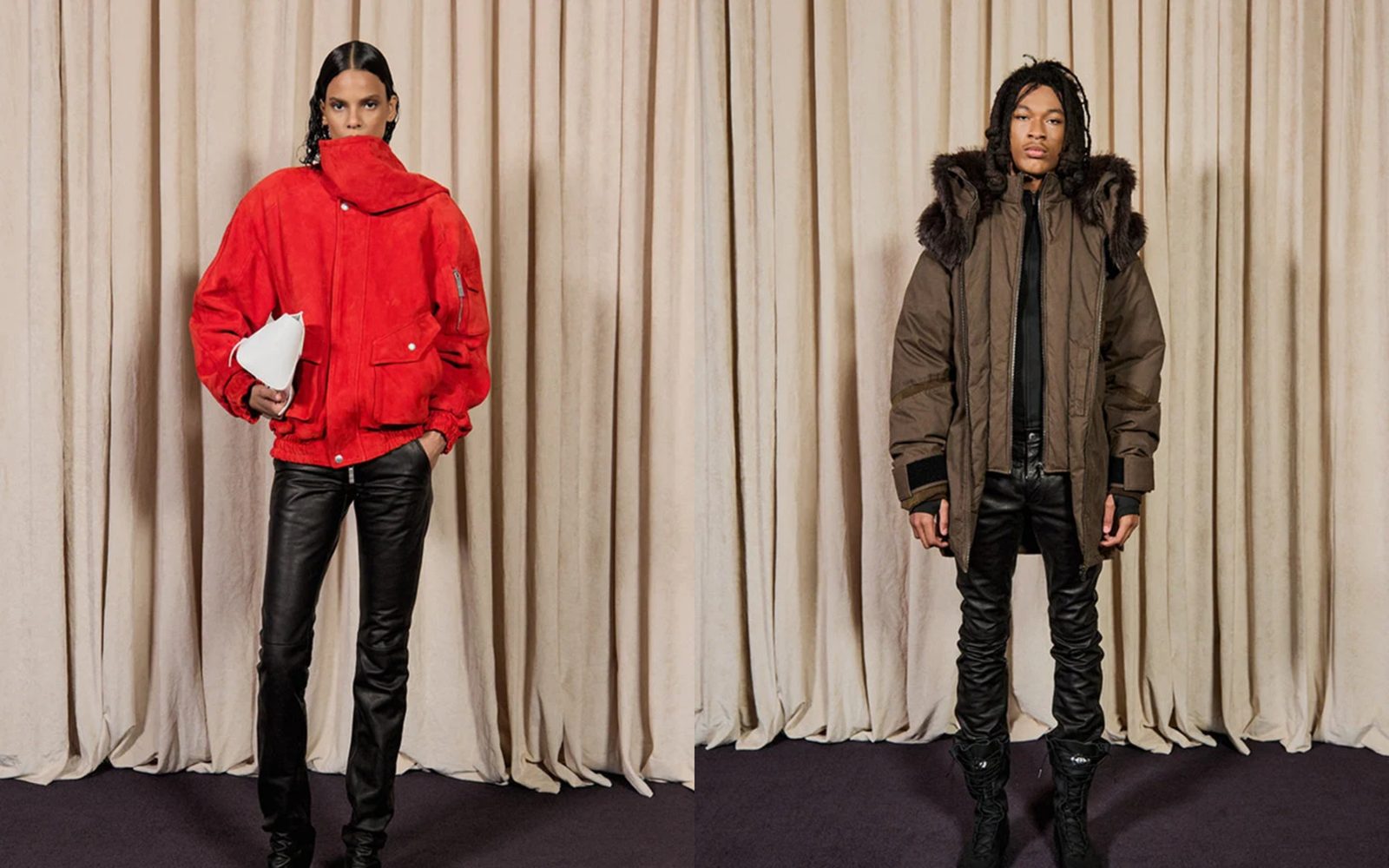
Two tall photos, each half the screen, meeting the sides of the screen and each other.
Two portrait photos side by side, each taking half the screen, with no gap between them and no margin at the sides. Use it for a pair: front and back, two colors of one piece, a detail beside the whole.
Add it
It can go on any page. In "Add section", find Images: Side by side under Images. It is a ready-made Section, so it has all of that section's settings.
The blocks it starts with
- Image and Image, each at Width Full width and Shape Portrait.
Choose a photo in each Image block. Both are cropped to the same portrait shape, so they line up whatever size you upload. Set a focal point on each photo in Shopify to choose what stays in view.
As first added
- Width: Edge to edge. Direction: Horizontal, with Stack on mobile on.
- Vertical alignment: Stretch. Gap: None.
- Space above and Space below: None.
On phones
The two photos stack, one under the other, each the full width of the screen.
Tips
- For a thin line between the photos, set Gap to Small.
- To show the photos uncropped, set both to Shape Original. They then only line up if the two photos have the same proportions.
- Add a third Image for three in a row. Each then takes a third of the screen.
Settings
All settings are the general section's: see Section.