FAQ
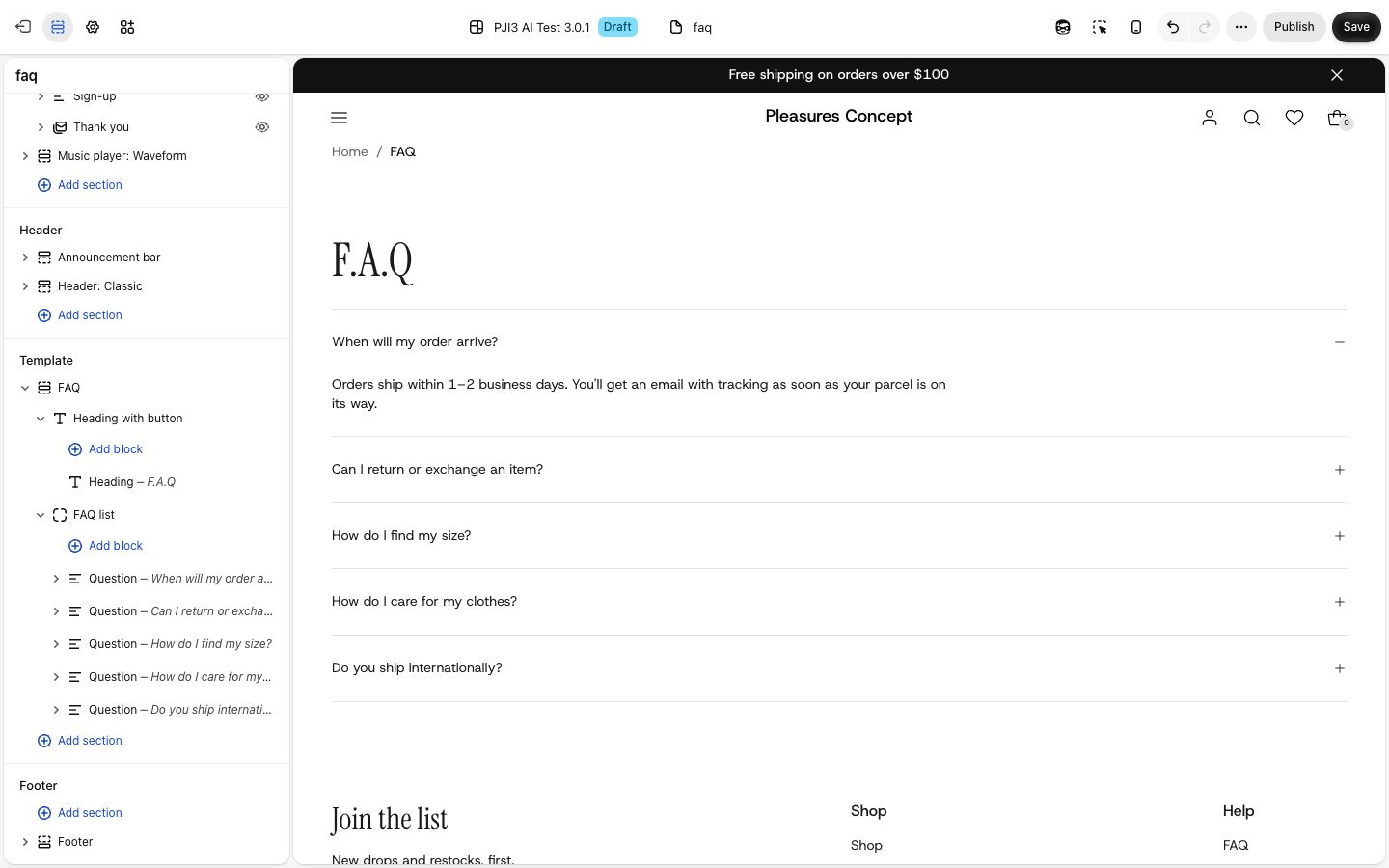
A heading over a list of questions that open to show their answers.
A list of questions, one under the other, with a line between them. Visitors click a question to open its answer, and can have several open at once. Choose it to answer the same few questions on a product page, your home page or a page of its own.
Plain Jane's FAQ page is built from this same section. Its settings and blocks are explained in full on the FAQ page; this page covers what is different when you add it yourself.
Add it
It can go on any page except the password page. Choose "Add section" and look for FAQ under Text.
As first added it has:
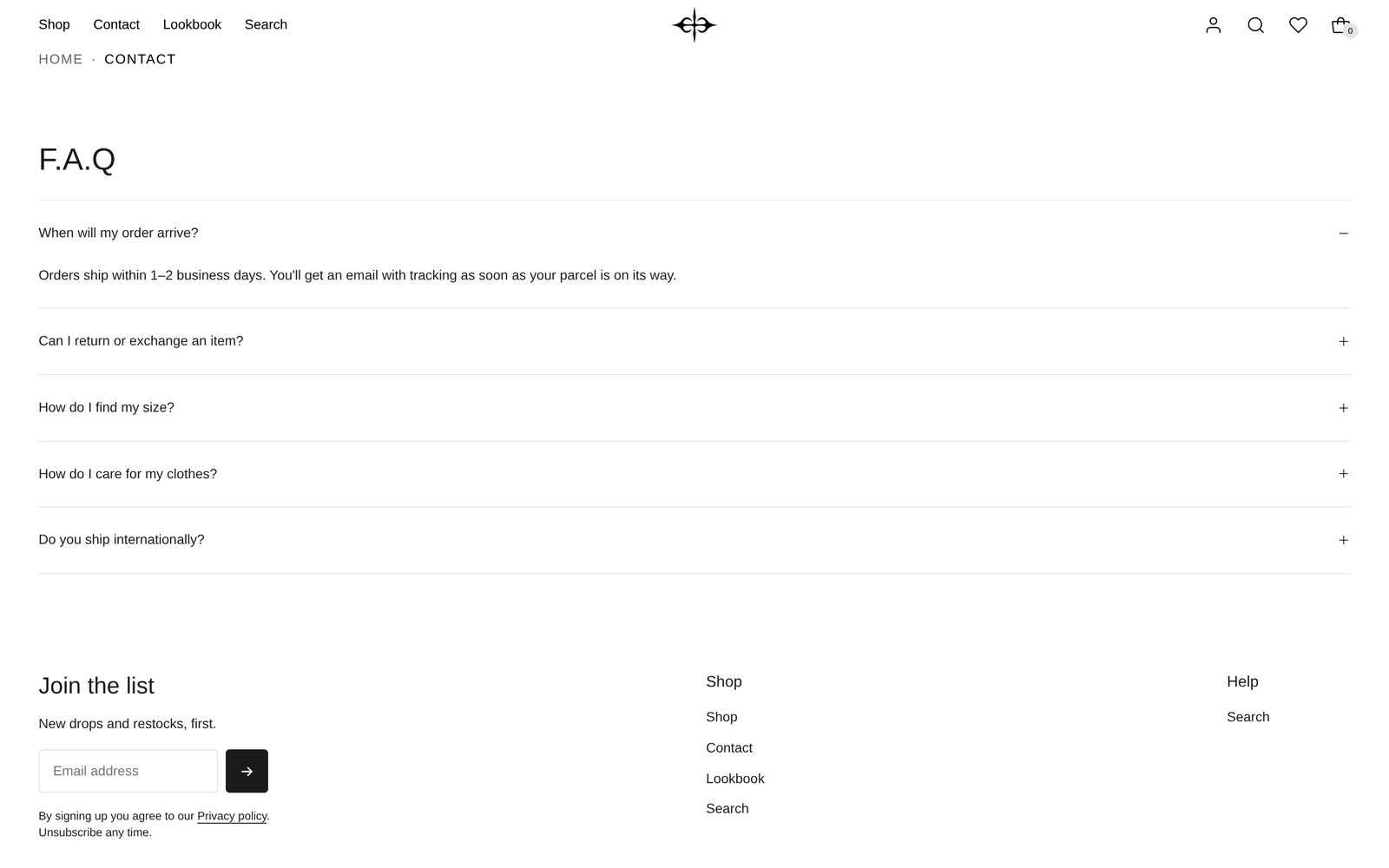
- the heading "F.A.Q" in Heading 2 style, on the left;
- four questions: "When will my order arrive?", "Can I return or exchange an item?", "How do I find my size?" and "How do I care for my clothes?", each with a short answer. The first one starts open;
- a plus beside each question and a line between them;
- Space above and Space below at Medium, Width at Page width.
The answers are sample text. Change them before you publish.
Settings
The section has Color scheme, Width (Narrow or Page width), Space above and Space below. See the FAQ page for what each one does, and shared settings for the space options.
Blocks
The section always has two parts, in this order. You cannot remove them or move one above the other.
- Heading with button: the heading at the top. Besides Position, it has Space between (None, Small, Medium, Large, Extra large; default Medium), the gap between the heading and anything beside it, such as a button. You can add a Button, a Text or other blocks inside it. Remove everything from it and the gap above the questions goes too.
- FAQ list: the questions. Icon, Show dividers and Style set the look of every question at once. Inside it, each Question holds one or more Answer blocks.
The FAQ page has the full settings for FAQ list, Question and Answer.
On phones
The list runs the width of the screen, inside the usual page margin. Long questions wrap onto a second line, with the icon kept on the right.
Tips
- On a product page, keep it to three to five questions about that product: fit, care, delivery.
- Set Width to Narrow when the section sits on its own page, so long answers stay easy to read.
- To add a "Contact us" link beside the heading, add a Button inside Heading with button and set Position to Spread across the row.
Good to know
- A question with no words is left off your store, though you still see it in the editor.
- Questions glide open and shut at the pace set by Motion in Theme settings. Visitors who have asked their device to reduce motion see them open at once.